This post may contain affiliate links. Please read our disclosure policy.
Planning a trip to Japan and wondering how to stay connected? Here’s our updated family-friendly guide to Japan wifi options, including our personal experiences using pocket wifi, SIM cards, and data plans over the years.
Staying online in Japan isn’t just for posting travel photos—it’s essential for navigating trains, checking maps, and keeping in touch. After countless trips to visit family, explore hidden spots, and eat our way across Japan, we’ve tried just about every solution out there. Here’s what’s worked best for us.
Why You’ll Want Wifi in Japan
Having wifi while traveling in Japan makes everything easier—especially when you’re visiting with kids or in unfamiliar areas. We use Google Maps constantly. It’s great for figuring out complicated train transfers and walking routes, and it’s more accurate than many car GPS systems.
Reliable internet also helps with:
- Finding restaurants, shops, and hours of operation
- Booking last-minute tickets or attractions
- Checking train schedules and weather forecasts
- Keeping kids entertained with videos or games
- Using wifi calling to stay connected to family back home
When we’re walking through the side streets of Kyoto or navigating Tokyo’s sprawling subway system, having a dependable connection gives us peace of mind.
1. Rent a Pocket Wifi Device
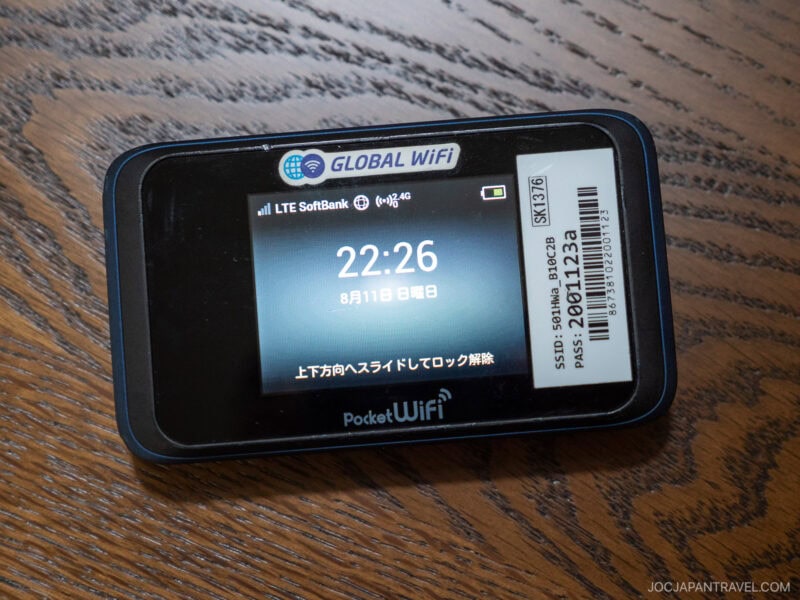
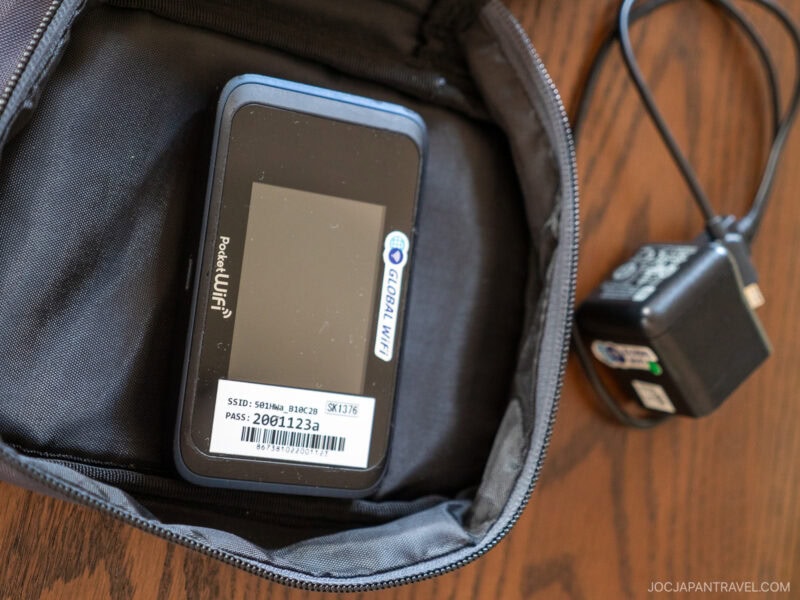
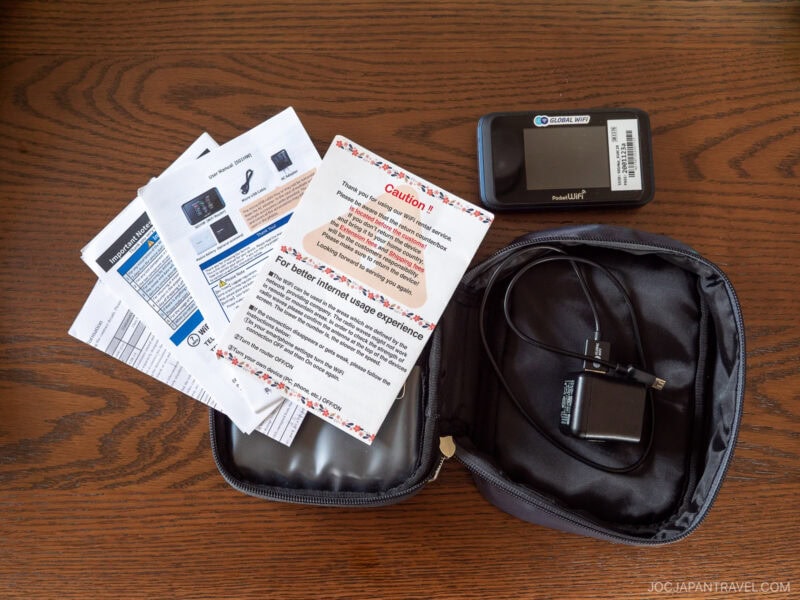
Our previous top choice when traveling as a family was renting a pocket wifi. It’s a small portable router you can keep in your bag, and it lets multiple devices connect at the same time—perfect for sharing among parents and kids.
We used Ninja Wifi, and it’s been consistently fast and reliable across major cities and rural areas.
A couple of tips:
- Be sure to bring a portable battery. The device usually runs out of power around late afternoon with heavy use.
- You can book online in advance and pick up the unit at the airport when you land.
- We prefer pocket wifi because it lets us keep our U.S. SIM cards active for wifi calling and text messaging.
2. Use Your Carrier’s International Roaming Plan
This is the easiest option, but sometimes the most expensive. We switched to Google Fi this year and have been really happy with the cost and service when using data in Japan.
Here’s a quick breakdown (updated July 2025):
- AT&T / Verizon: $10/day for international data
- T-Mobile: Basic international data is free but very slow. For faster speeds, you can get 5GB (10 days) for $35 or 15GB (30 days) for $50.
- Google Fi: Works in Japan with unlimited data for $40/month. Speeds are generally good in Japan, though mixed reviews exist for other countries.
- Sprint (now merged with T-Mobile): Previously offered free LTE in Japan through SoftBank, but we recommend checking with your carrier for the latest.
3. Buy a Japan SIM Card for Visitors
If you don’t need to keep your U.S. phone number active, getting a Japanese SIM card is a great option. It gives your phone a local number (or data-only plan) and fast LTE speeds.
You can find the SIM kiosks when you exit the international airports.
- Data-only SIMs for tourists
- Airport pickup or delivery to your hotel
- Reliable coverage across Japan
The downside is that you’ll need a separate SIM for each device. Also, switching SIMs means you’ll temporarily lose access to your original phone number unless you use dual SIM or eSIM features.
What About Free Wifi?
Yes, it exists—but don’t count on it for anything beyond quick checks. We’ve stayed at hotels where the wifi was barely usable, or it didn’t reach all the rooms.
Some major chains, airports, and convenience stores offer free wifi. SoftBank also offers a Free Wifi Passport for visitors, but we haven’t personally used it. Public wifi tends to be limited to major city centers and tourist hubs.
If you’re only planning to stay in cities and don’t mind hunting for connections, free wifi might be enough. But for families or solo travelers, we really recommend a more consistent solution.
More to Explore Nearby
Connectivity is the key to navigating Japan’s vast and efficient infrastructure. Use these guides to plan your movements, from arriving in major metropolitan hubs to traveling long distances on the Shinkansen.
- Shinkansen Guide – Learn how to ride the famous bullet train, where reliable connectivity is crucial for checking schedules and making timely transfers across the country.
- Osaka City – Navigate the major commercial and cultural hub of the Kansai region, where a reliable internet connection is necessary for finding specific restaurants and attractions.
- Shinjuku – Explore this massive, high-tech urban district in Tokyo, which requires a connection for finding specific alleyways, restaurants, and viewing spots.
- Essential Japan Travel Tips for First-Time Visitors – Review critical information on general planning, transportation, and cash usage, all of which benefit from strong connectivity.